Apple REPLACES the battery of some MacBook Pro models for FREE
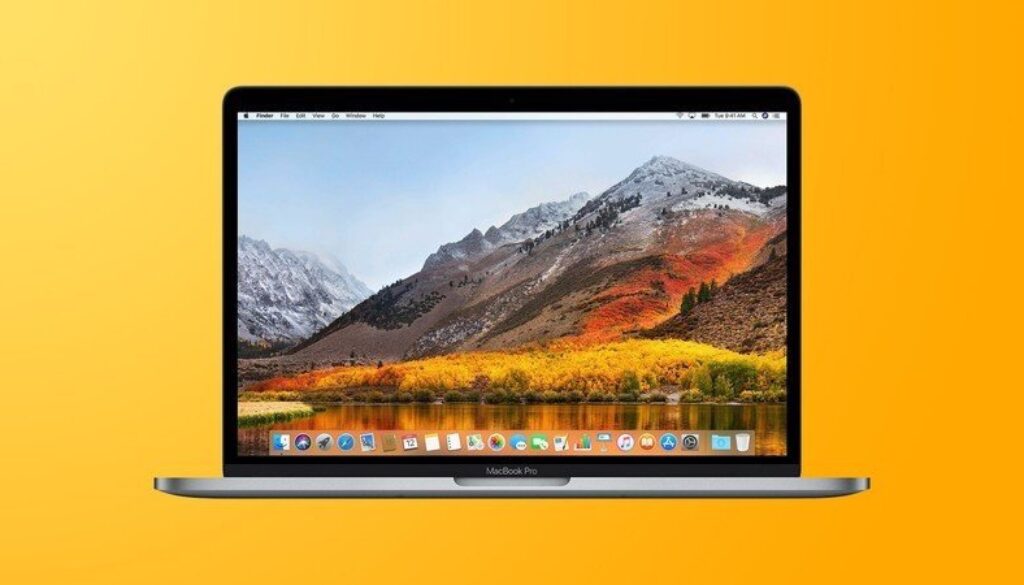
Apple has just announced that it will replace the batteries of 2016 and 2017 MacBook Pro models with charging problems.
Apple has launched a new repair programme for 2016 and 2017 MacBook Pro models that were not charging properly. A limited number of customers with a 2016 or 2017 MacBook Pro have found that the battery won't charge beyond 1%. If your 2016 or 2017 MacBook Pro shows these problems, you can contact Apple Support to have the battery replaced free of charge.
Apple has also released a macOS update that helps prevent this issue on computers other than the 2016 and 2017 MacBook Pro. Before contacting support, you need to update to macOS Big Sur 11.2.1 or later, or install the macOS Catalina 10.15.7 supplemental update, to see if the problem resolves itself. Once your system is updated, you should check whether your battery needs servicing as follows:
- In macOS Big Sur, choose Apple menu > System Preferences, click Battery, select Battery in the sidebar, then click Battery Health;
- In macOS Catalina or earlier, hold down the Option key and click the battery icon in the menu bar to see the battery status menu.
If the battery status on these devices says “Service Recommended”, you can contact Apple for a free battery replacement.